
Library Fee Tracking Software
Stop chasing who paid this month. AVS Library Manager tracks every membership fee in ₹ — paid, pending and received — from your phone, alongside members, seats, books and reports.
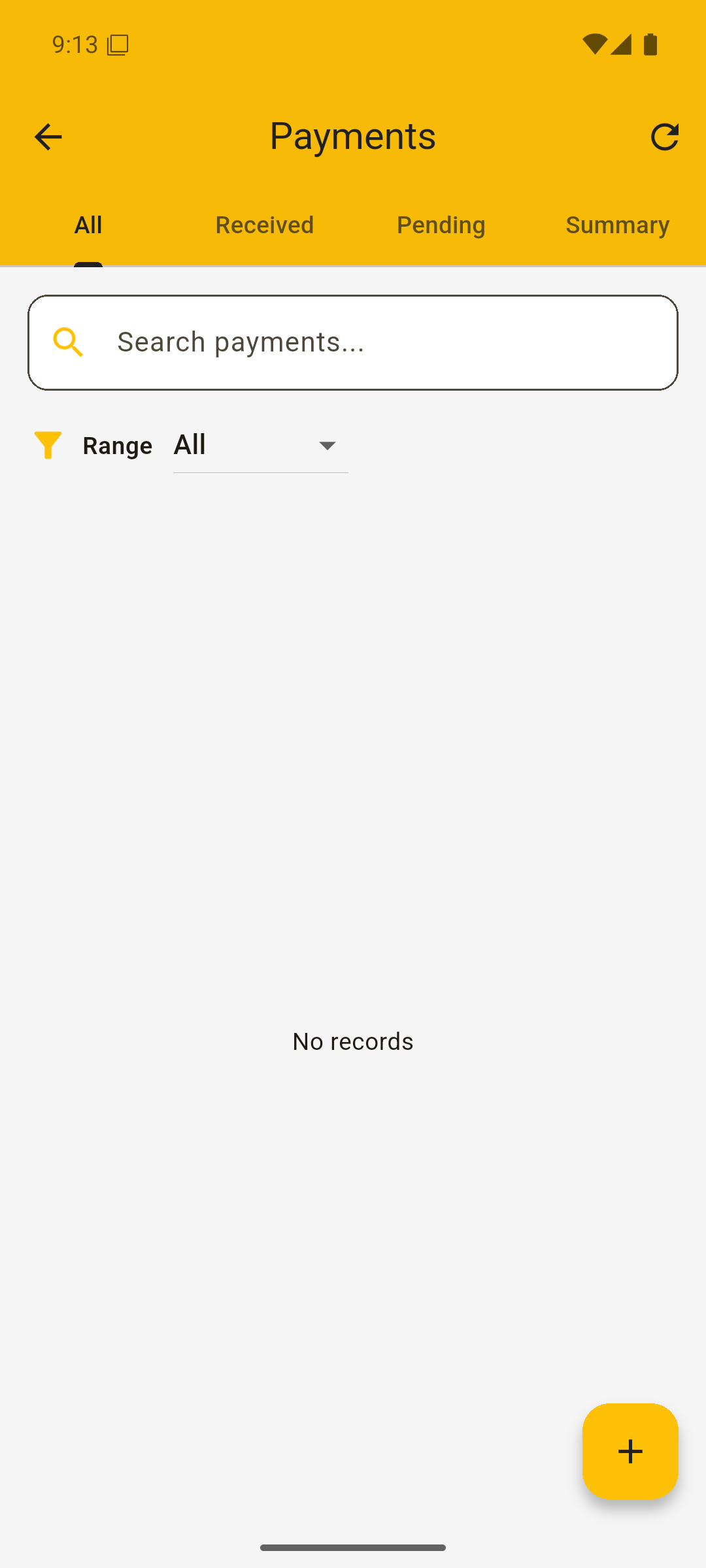
Know who paid — and who's pending — instantly
Late and missed fees are the biggest leak in any library. AVS Library Manager tracks every payment in ₹ with All, Received, Pending and Summary tabs and a date-range filter, so month-end takes minutes, not hours.
Each member has a monthly fee, so the app always knows what's due. The Summary view lists paid and unpaid members side by side, and your Reports roll fees up into revenue, expenses and profit for any period.
Seat management
Bulk-create seats with Quick Setup and track live occupancy across your hall.
Monthly fee tracking
See paid, pending and received fees in ₹ with a date-range filter.
Members + custom fields
Store name, phone, seat, batch and fee — and add custom fields you need.
Reports & profit
Revenue, expenses and profit calculated for any report period.
Fees, paid and pending, on your phone
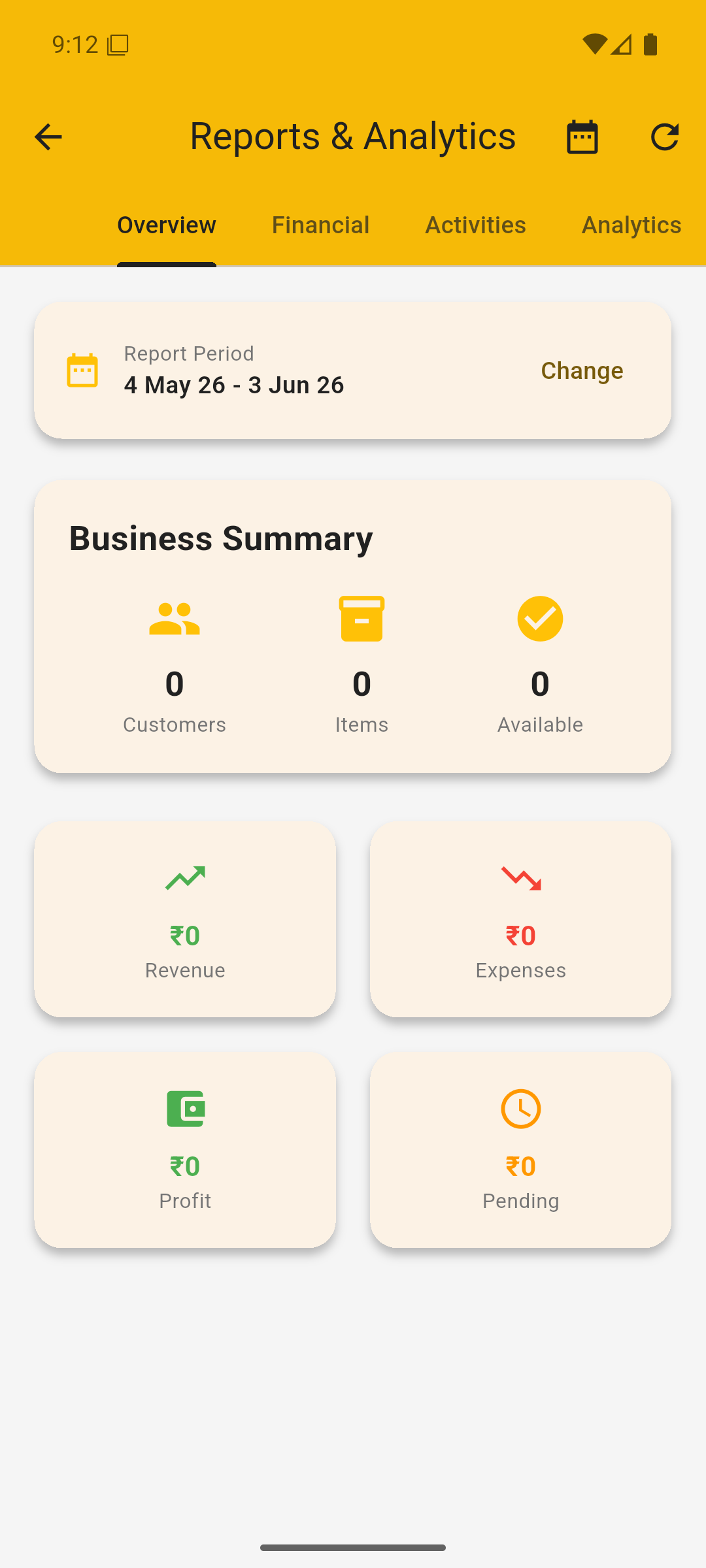
Track every fee from your phone.
Download AVS Library Manager and set up your seats in minutes. Free 12-hour demo — no code needed.
Fee tracking — FAQ
Does it show pending fees in ₹?
How do I track who paid this month's fee?
Is there a free trial?
Stop chasing payments by hand
Most library owners lose hours every month working out who has paid and who hasn't. With AVS Library Manager, each member has a monthly fee on their profile, and the Payments screen splits everything into Received, Pending and a running Summary — all in ₹. You can filter by date range, see total pending fees on the dashboard, and roll it into a monthly revenue and profit report.
Because the data lives in the app, you're never digging through a register again. Mark a payment received the moment a student pays, and your pending list updates instantly — from your phone.